Get their accounts without passwords
Send a connect link. Your client opens it, signs in on each platform's own page and their accounts land in your workspace. They don't need a ShortSync account.
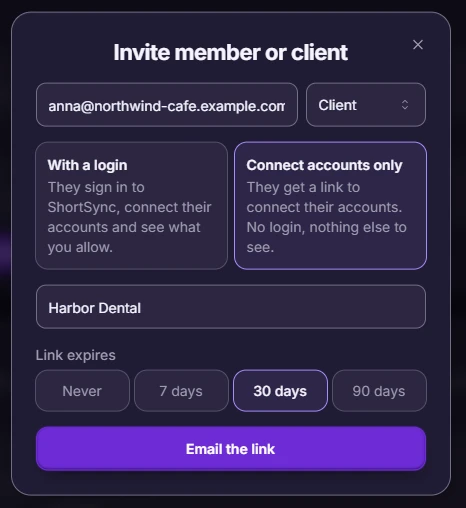
Clients connect their own accounts, approve posts from a link and get a report every month, without sharing a password.
Official APIs and approved publishing partners
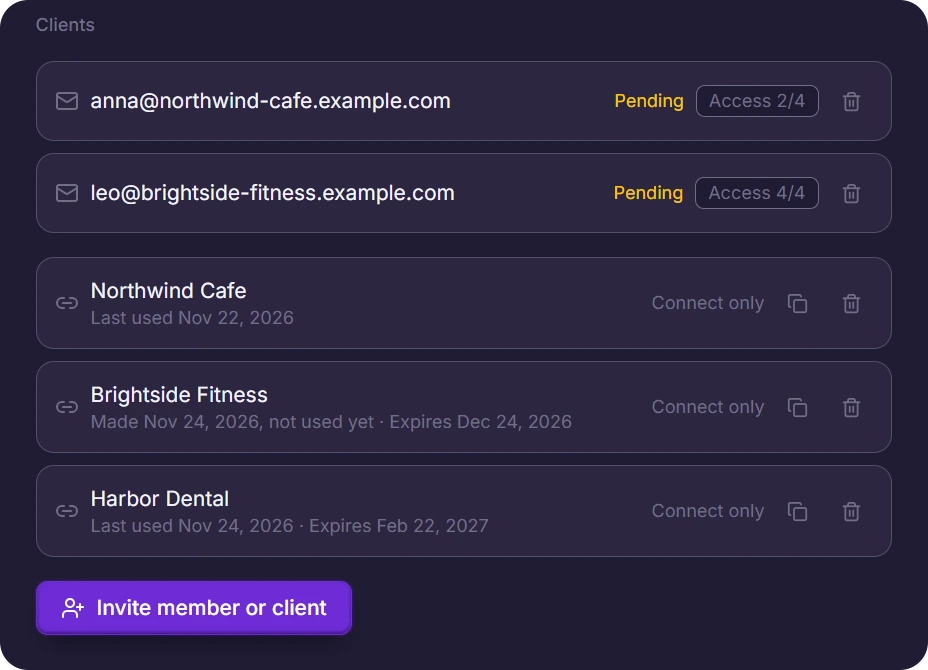
Send a connect link. Your client opens it, signs in on each platform's own page and their accounts land in your workspace. They don't need a ShortSync account.
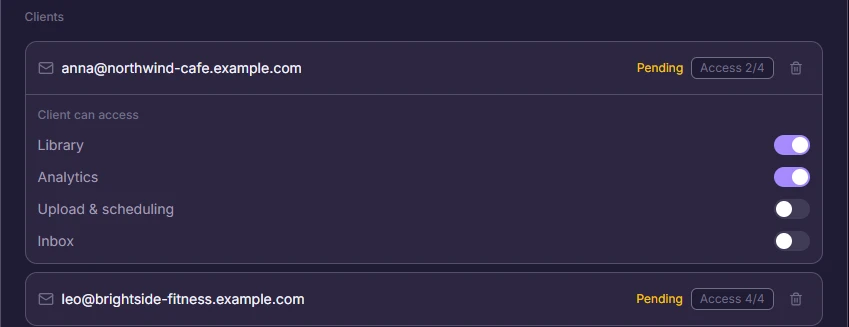
Invite a client to their workspace and switch the library, analytics, uploads and the inbox on or off. They can never delete posts or open settings.
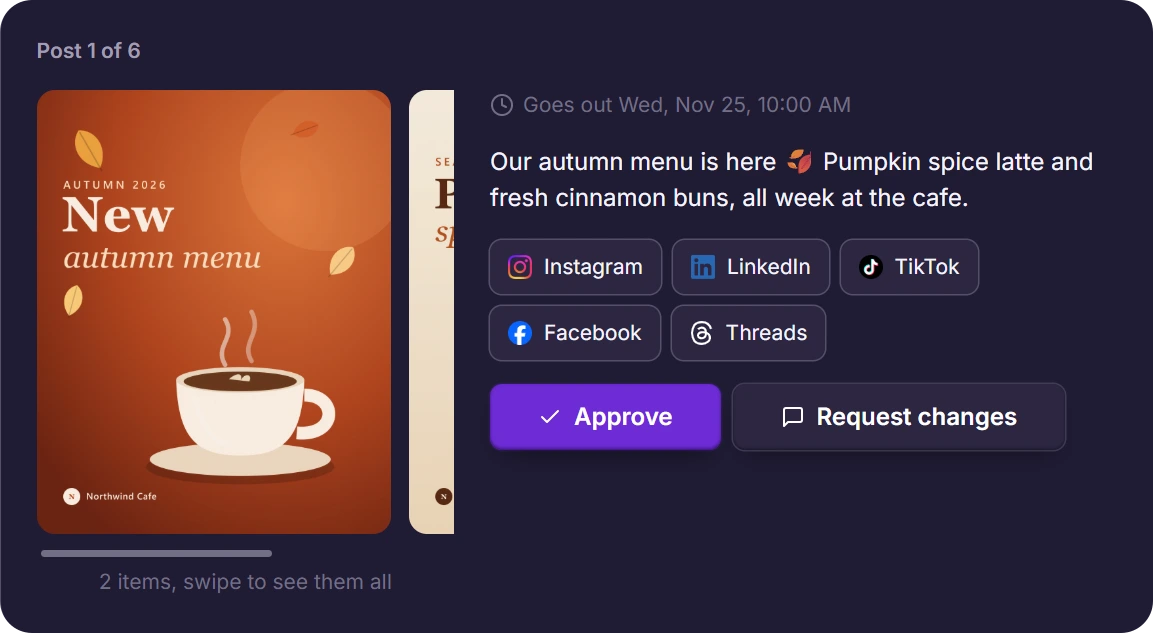
Pick the posts, send one link and your client approves each one or asks for changes. Their answers show up in your library.
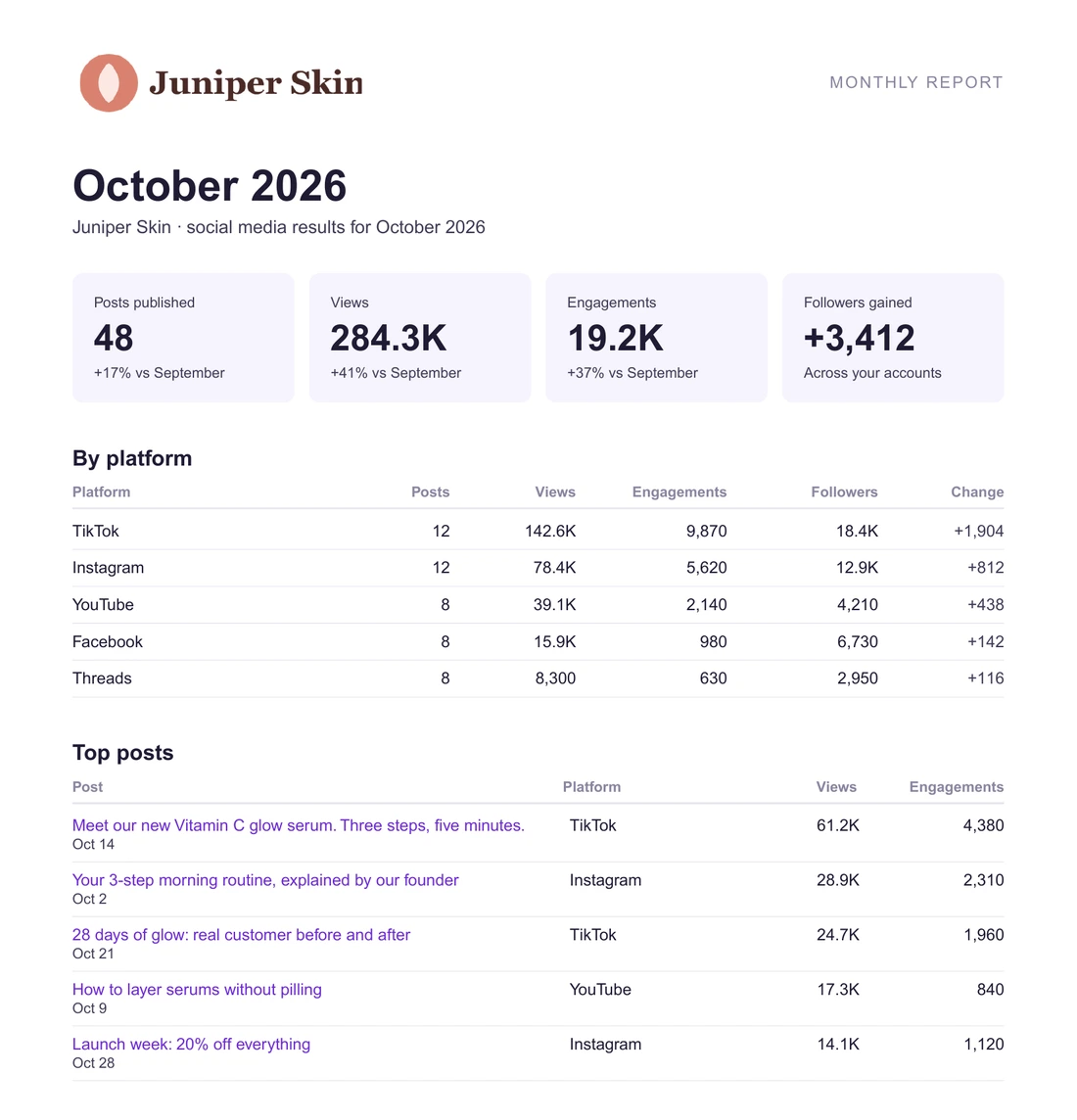
Each client gets last month's results as a PDF with their own logo, emailed on the day you pick.
 Instagram
 TikTok
 YouTube
 Facebook
 Snapchat
 Pinterest
 Threads
 X
 Reddit
 Bluesky
 LinkedIn
 Mastodon
 Telegram
 Discord
 Tumblr
 Pixelfed
 Google Business Profile
 Dailymotion
 WordPress

Working with clients usually means four separate chores.
Everything an agency does with a client lives in that client's workspace: getting their accounts connected, showing them their posts and results, collecting approvals and sending a monthly report. Nobody shares a password along the way.
The short version
Connect, share, approve and report for every client from the same workspace.
Manage clients' videos, images, carousels and text posts from one dashboard, with separate workspaces, dedicated acco...
Send scheduled posts to a client for approval with one link
Send a client one link to connect their social accounts to your workspace
Start publishing to every platform in one click.
Official APIs and approved publishing partners
Prefer a walkthrough? Book a demo with Hilma