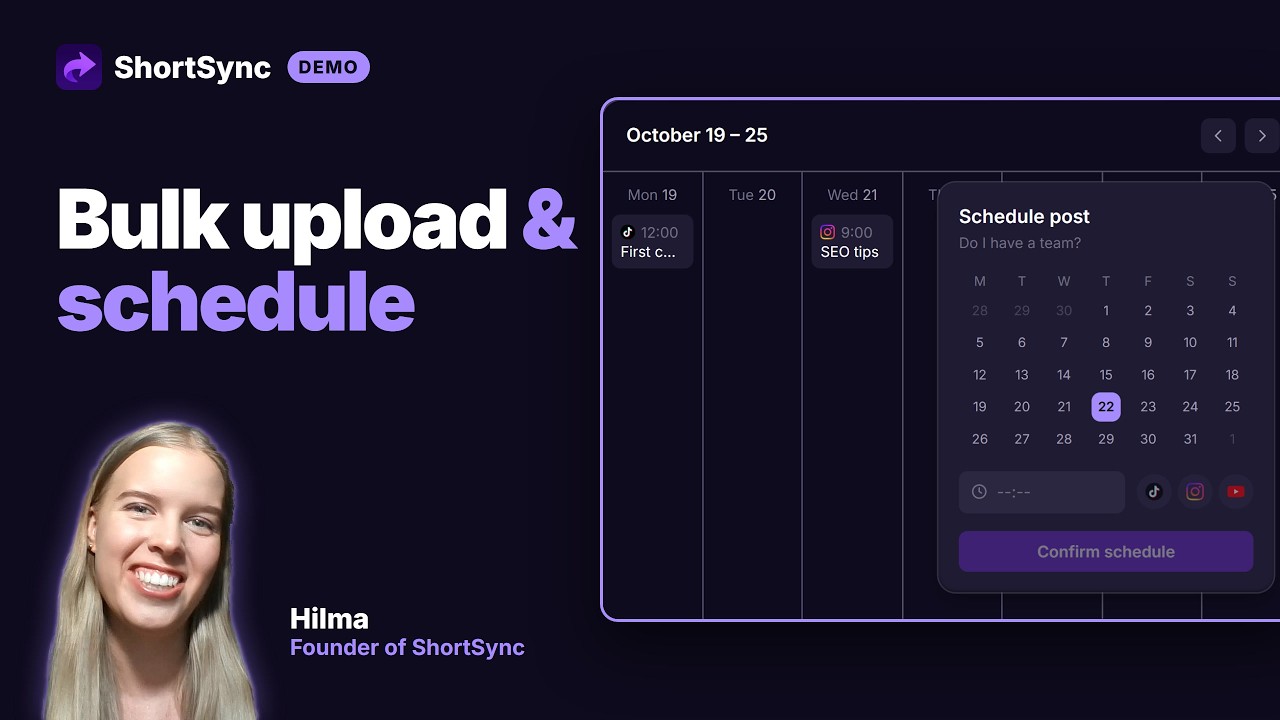
Bulk Upload Videos in ShortSync
Drag in a batch of up to 20 files, apply captions and schedules in one pass, and publish to every connected platform without repeating settings for each video.
Direct link: https://www.shortsync.app/demo/bulk-upload.mp4
Step by step
- 1
Drag up to 20 files into the upload screen at once.
- 2
Pick the platforms once for the whole batch.
- 3
Set a shared caption, then change the caption or title of any single file if it needs one.
- 4
Schedule the batch across your time slots, or give each file its own date and time.
- 5
Publish, and every file goes out to every selected platform without repeating the settings.
Full instructions: Bulk uploading guide