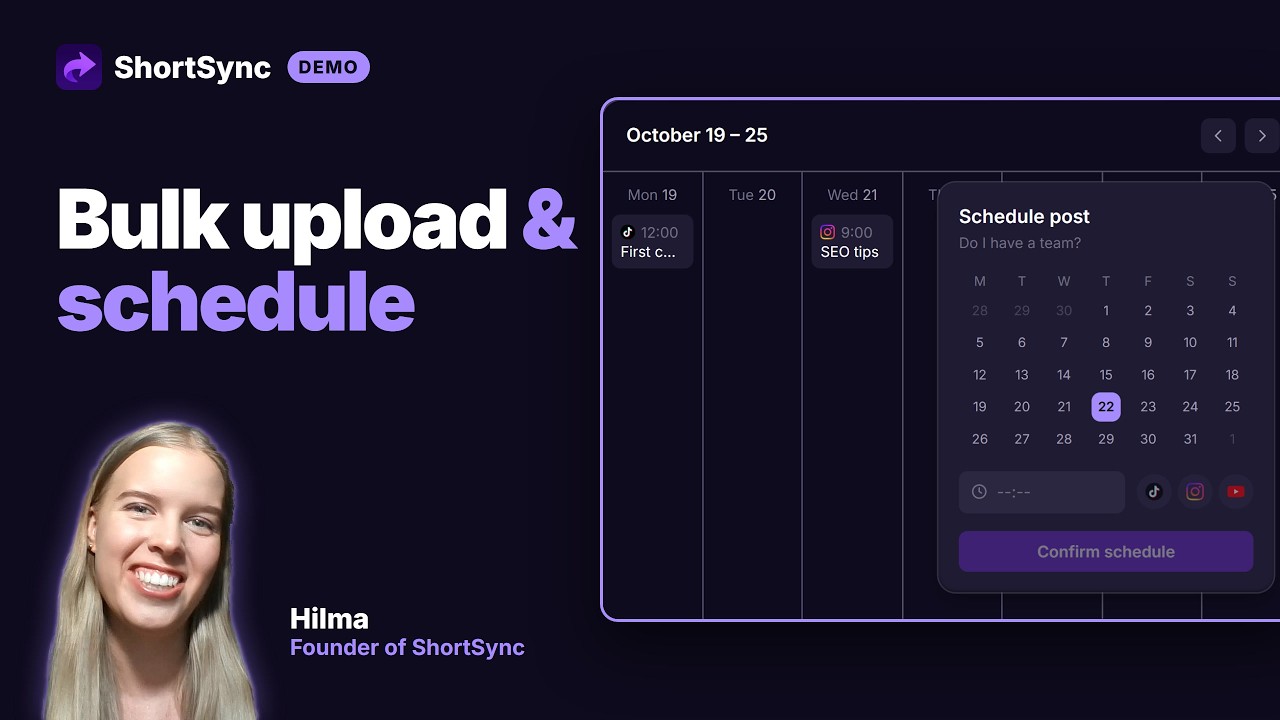
How to Upload Videos with ShortSync
Full walkthrough of uploading a single video and publishing it to TikTok, YouTube Shorts, Instagram Reels, Facebook, and every other supported platform from one screen.
Direct link: https://www.youtube.com/embed/B261t981Owk
Step by step
- 1
Connect your accounts once. Most platforms connect through their own sign-in page, so ShortSync never stores your passwords.
- 2
Drop a video into the upload screen, or import it from Google Drive, Dropbox or another connected source.
- 3
Pick the platforms this video should go to. Every connected account is listed, and you can switch any of them off for this upload.
- 4
Write one caption, then adjust the caption, title or hashtags for any platform that needs something different.
- 5
Publish right away or set a time. Each platform gets its own post, and the library shows the status of every one.
Full instructions: Upload your first video