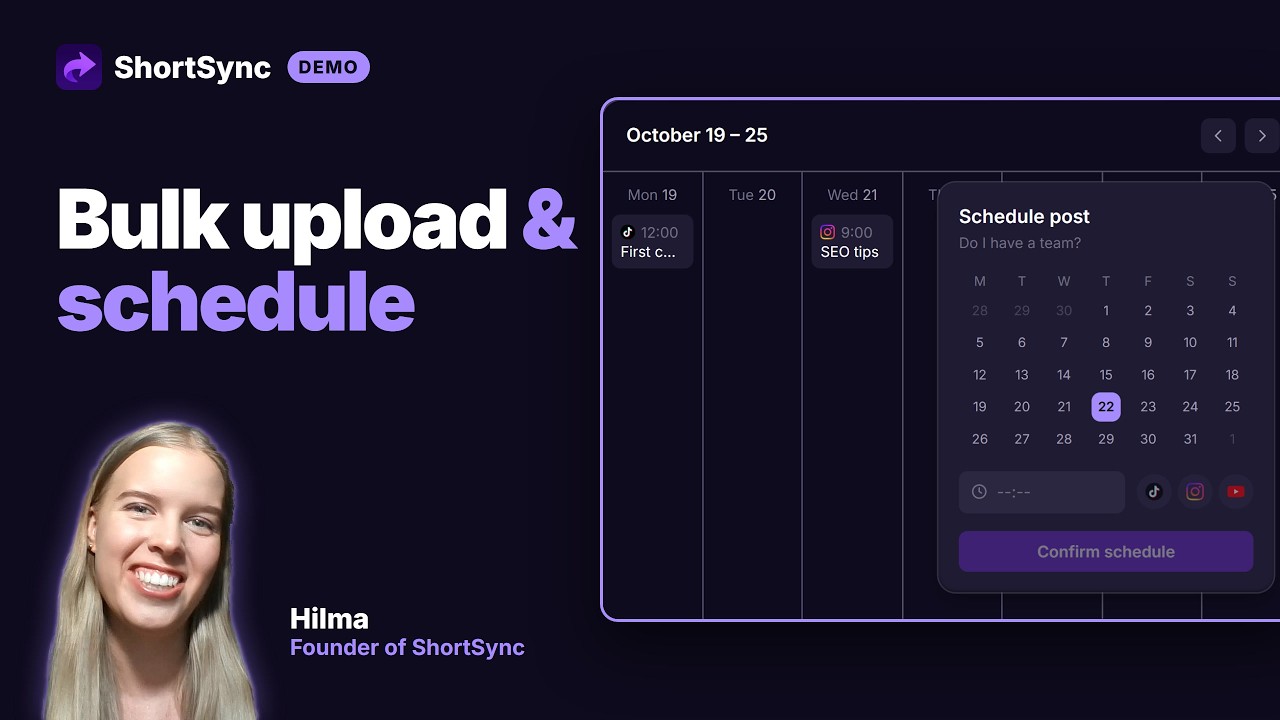
Scheduling Posts in ShortSync
Pick per-platform publish times, use recurring slots, and preview the queue on a calendar, all from the ShortSync upload flow.
Direct link: https://www.shortsync.app/demo/schedule.mp4
Step by step
- 1
After you upload, choose Schedule instead of Publish now.
- 2
Pick one time for every platform, or a different time per platform.
- 3
Use saved time slots to fill your posting schedule automatically.
- 4
See every scheduled post on the calendar and move or cancel it before it goes out.
- 5
ShortSync publishes at the set time, even when your computer is off.
Full instructions: Scheduling guide