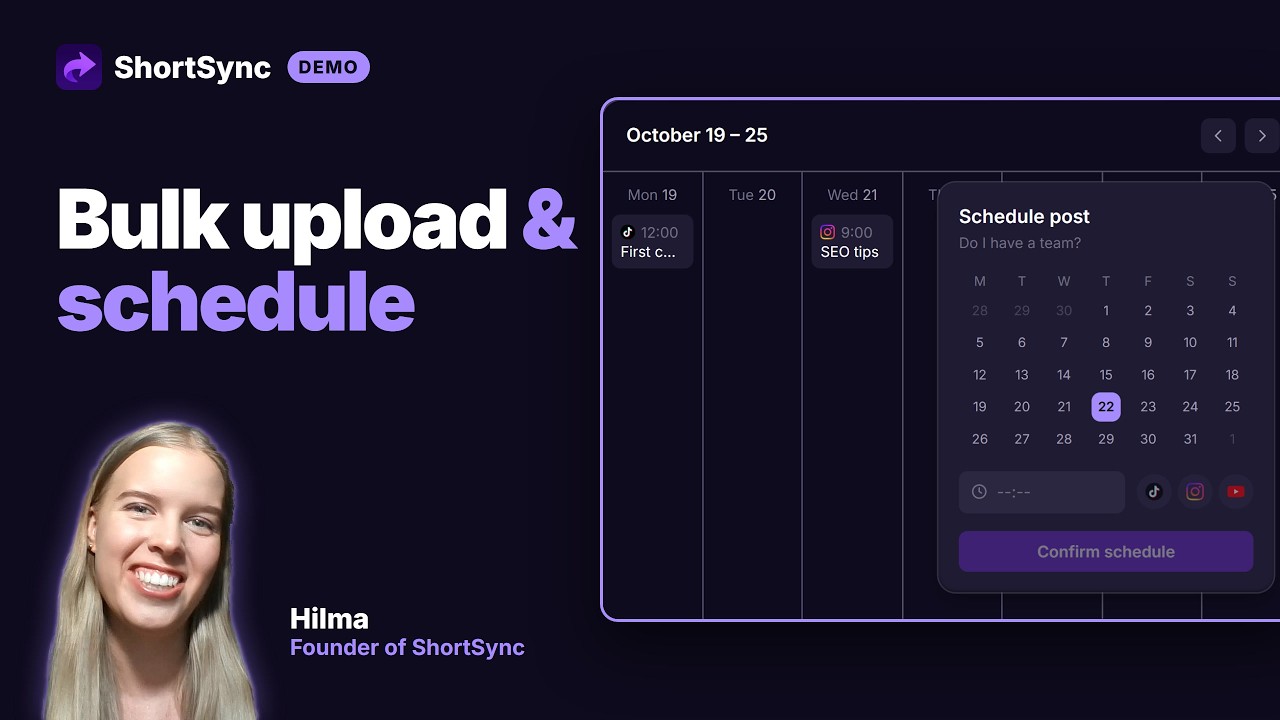
ShortSync Workspaces Demo
How to organize multiple brands, channels, or clients into separate workspaces in ShortSync, each with its own connected accounts, posts, and analytics.
Direct link: https://www.youtube.com/embed/2oNa4qvVxZA
Step by step
- 1
Create a workspace for each brand, channel or client you manage.
- 2
Connect that brand's own social accounts inside its workspace. Accounts never mix between workspaces.
- 3
Switch workspaces from the top of the dashboard; uploads, scheduled posts, analytics and the inbox follow the workspace you're in.
- 4
Free and Creator include one workspace and Creator can add more; Team includes ten.
Full instructions: Workspaces guide