Per-Platform Settings in ShortSync
Customize privacy, first comment, tags, and platform-specific options individually for every target platform in a single upload.
Direct link: https://www.shortsync.app/demo/custom-settings.mp4
Step by step
- 1
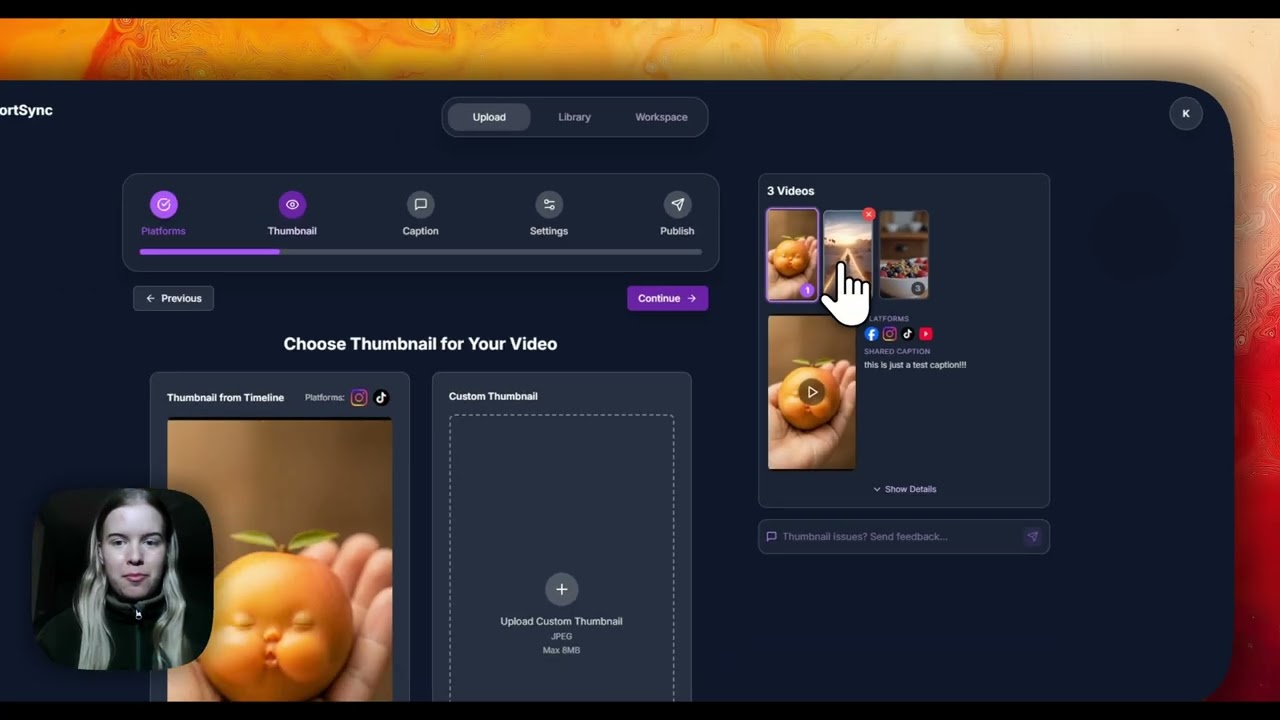
Open the settings tab of each selected platform on the upload screen.
- 2
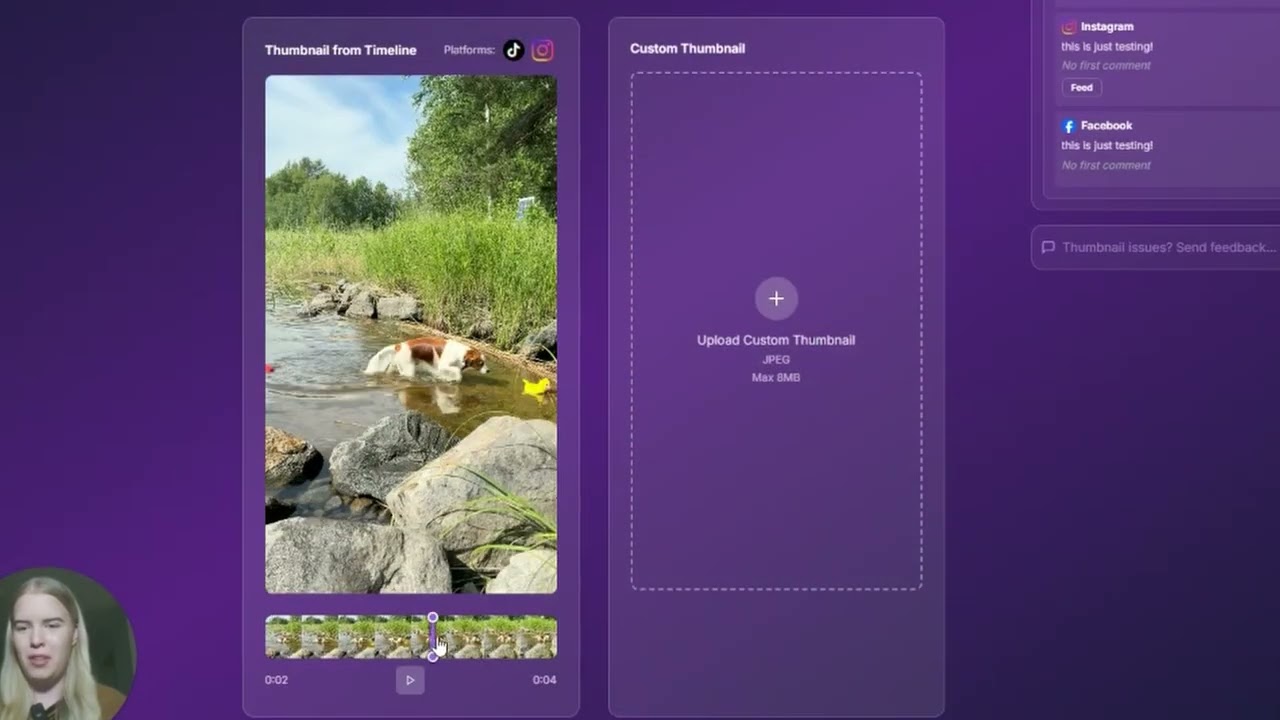
Set options like privacy, comments, tags, the first comment or a YouTube category for that platform only.
- 3
Save the settings you always use as defaults, so the next upload starts with them.
- 4
Publish, and every platform gets its own settings in the same upload.
Full instructions: Platform settings guide