Selecting Platforms to Cross-Post
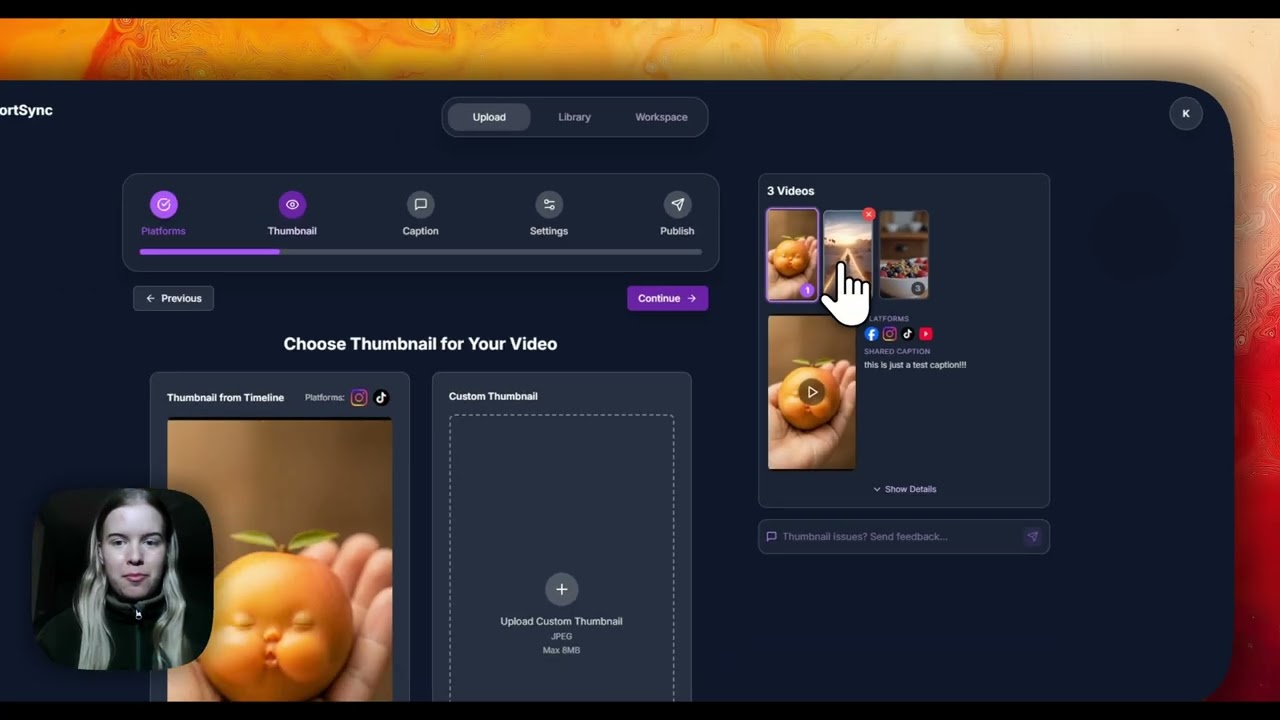
Choose which platforms a video goes to, deselect targets per upload, and see per-platform captions and previews before publishing.
Direct link: https://www.shortsync.app/demo/selecting-platforms.mp4
Step by step
- 1
Every connected account appears in the platform list of the upload screen.
- 2
Tick the platforms this post should go to and untick the rest.
- 3
ShortSync flags anything a platform won't accept, such as a file that is too long or the wrong shape.
- 4
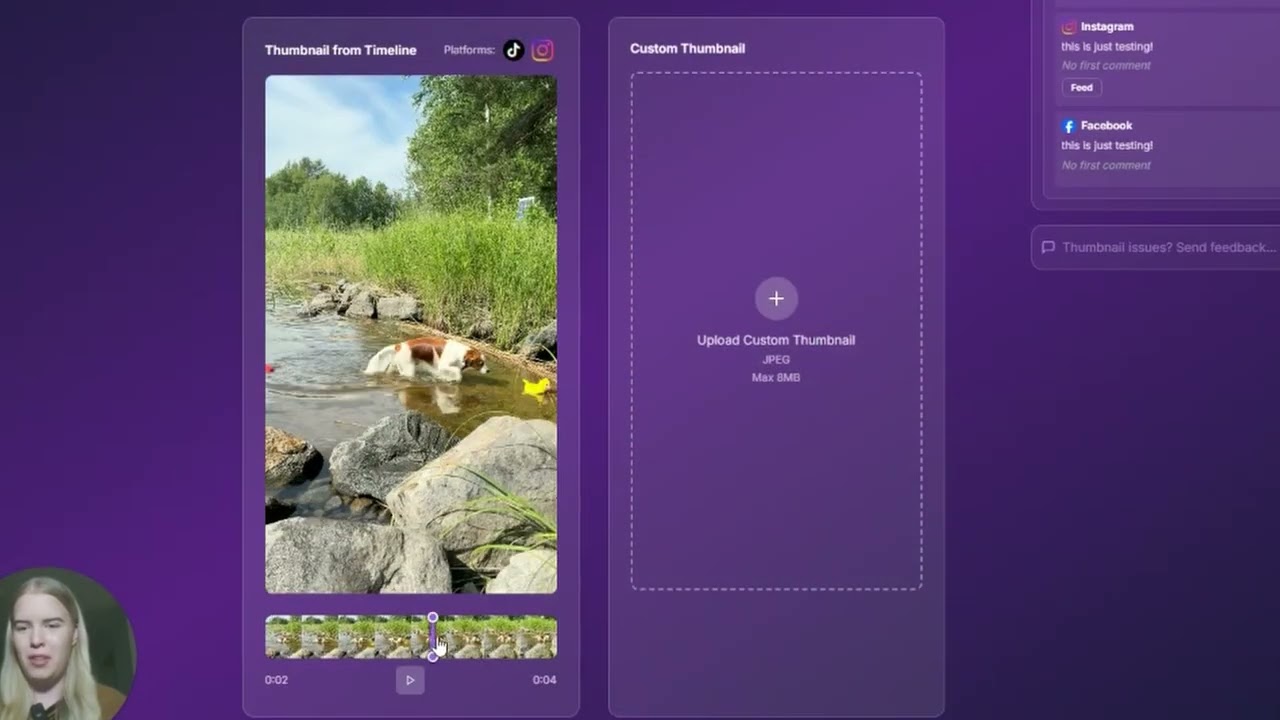
Open each platform's tab to check its caption and preview before publishing.
Full instructions: Cross-posting guide