Setting Custom Thumbnails in ShortSync
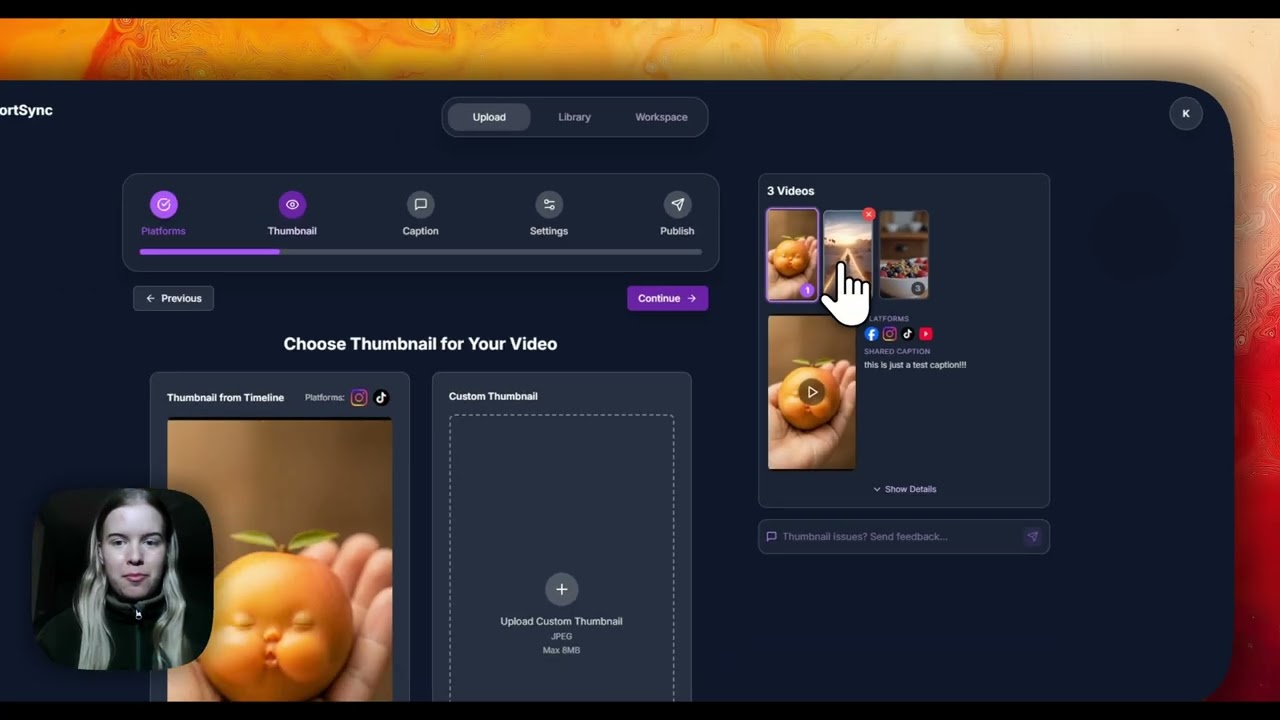
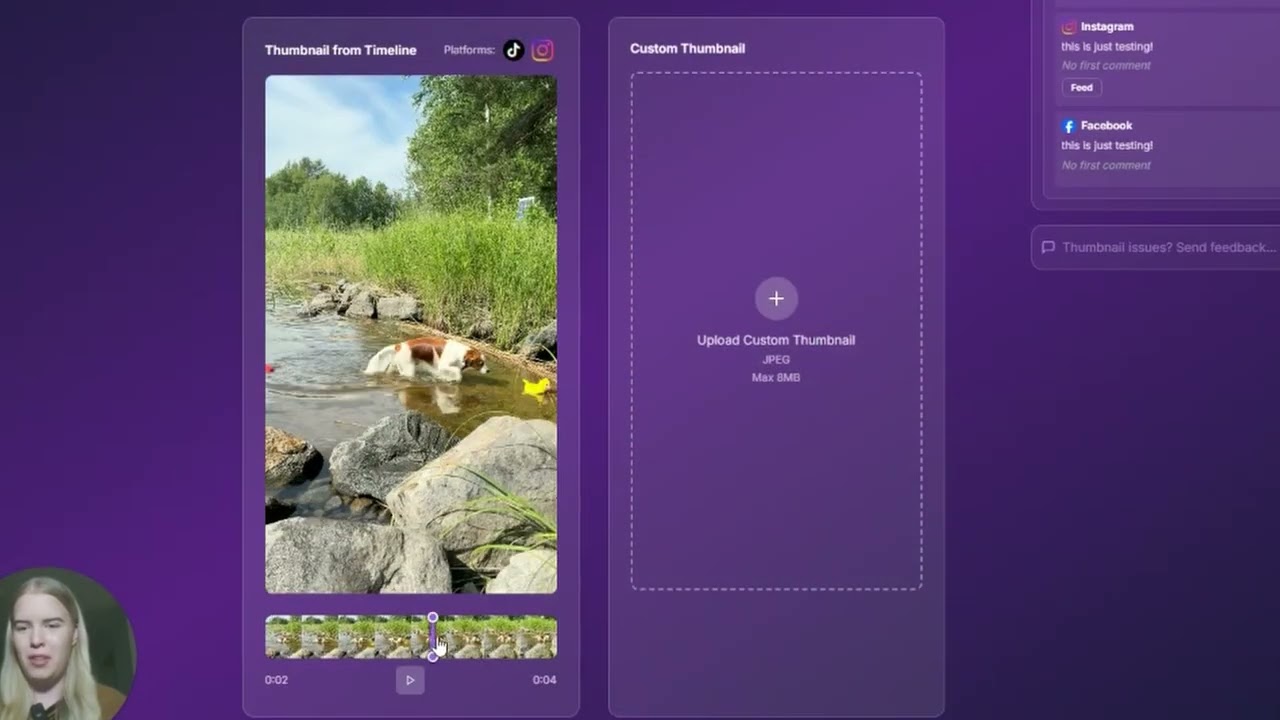
Upload a custom thumbnail per platform or generate one from any frame of the video, used by YouTube, Instagram, and Facebook.
Direct link: https://www.shortsync.app/demo/selecting-thumbnails.mp4
Step by step
- 1
Open the thumbnail option on the upload screen.
- 2
Upload your own image, or pick any frame from the video.
- 3
Set a different thumbnail per platform where a platform supports custom covers.
- 4
Publish, and each platform uses the thumbnail you picked for it.
Full instructions: Custom thumbnails guide